

Understanding cgroups: The Foundation of Container Resource Management
Every time you deploy a container to Kubernetes, set a memory limit in Docker, or wonder why your pod got OOMKilled, there's a Linux kernel feature quietly doing all the heavy lifting behind the scenes: control groups, or cgroups for short.
If you're studying for any of the Kubernetes certifications (CKA, CKAD, CKS, KCNA, KCSA), or you're a Windows user running Kubernetes locally via WSL, understanding cgroups has become increasingly important. The ecosystem has moved to cgroups v2, and older v1 implementations are being left behind.
Let's dive into what cgroups are, why we needed a v2, and what you need to do to stay current.
What Are cgroups?
Control groups (cgroups) are a Linux kernel feature that allows you to allocate, limit, and monitor system resources for groups of processes. Think of them as the traffic control system for your operating system - they decide how much CPU, memory, disk I/O, and network bandwidth each group of processes can consume.
When you run a container, the container runtime (Docker, containerd, CRI-O, etc.) creates a cgroup for that container's processes.
This is how container resource limits actually work.
When you set these limits in Kubernetes:
resources:
  limits:
    memory: "256Mi"
    cpu: "500m"
  requests:
    memory: "128Mi"
    cpu: "250m"
Kubernetes passes these values to the container runtime, which in turn configures cgroups in the Linux kernel to enforce the limits. The kernel then monitors the container's resource usage and ensures it can't exceed its allocation. If a container tries to use more memory than its limit, the kernel's OOM (Out of Memory) killer steps in. If it tries to use more CPU, it gets throttled.
Key cgroup controllers include:
| Controller | Purpose |
|---|---|
cpu | CPU time allocation and throttling |
memory | Memory limits and accounting |
io (blkio in v1) | Block device I/O throttling |
pids | Limit number of processes |
cpuset | Pin processes to specific CPUs |
devices | Control access to devices |
Without cgroups, containers would be nothing more than isolated filesystem views - they'd have no resource boundaries. cgroups are literally what makes container resource management possible.
cgroups v1: The Original Implementation
cgroups first appeared in Linux kernel 2.6.24 back in 2008. Originally developed by engineers at Google, they were designed to provide flexible resource management for large-scale computing environments1.
The v1 design had a key characteristic: multiple independent hierarchies. Each resource controller (cpu, memory, io, etc.) could have its own separate hierarchy, mounted at different paths:
# cgroups v1 - multiple mount points
/sys/fs/cgroup/cpu/
/sys/fs/cgroup/memory/
/sys/fs/cgroup/blkio/
/sys/fs/cgroup/pids/
/sys/fs/cgroup/devices/
...
This meant that a process could be in one cgroup for CPU control and a completely different cgroup for memory control. While this offered flexibility, it created significant challenges:
The Problems with cgroups v1
1. Complex Configuration
Managing multiple hierarchies meant multiple mount points, multiple configuration files, and multiple ways things could go wrong. If you've ever tried to debug cgroup issues on a v1 system, you know the pain of tracking down which hierarchy a process belongs to.
2. Inconsistent Controller Behaviour
Different controllers evolved independently, leading to inconsistent interfaces and behaviours. What worked for the CPU controller didn't necessarily work the same way for memory.
3. Nested Container Challenges
Running containers inside containers (Docker-in-Docker, Kubernetes-in-Kubernetes) was problematic. The multiple hierarchy model made it difficult to properly delegate resources to nested containers.
4. Race Conditions and Edge Cases
The flexible hierarchy model led to various race conditions, especially around process migration between cgroups and resource accounting during transitions.
cgroups v2: The Unified Hierarchy
Work on cgroups v2 began around 2013, with the first stable implementation landing in Linux kernel 4.5 (2016). It became production-ready and widely adopted with the 5.x kernel series2.
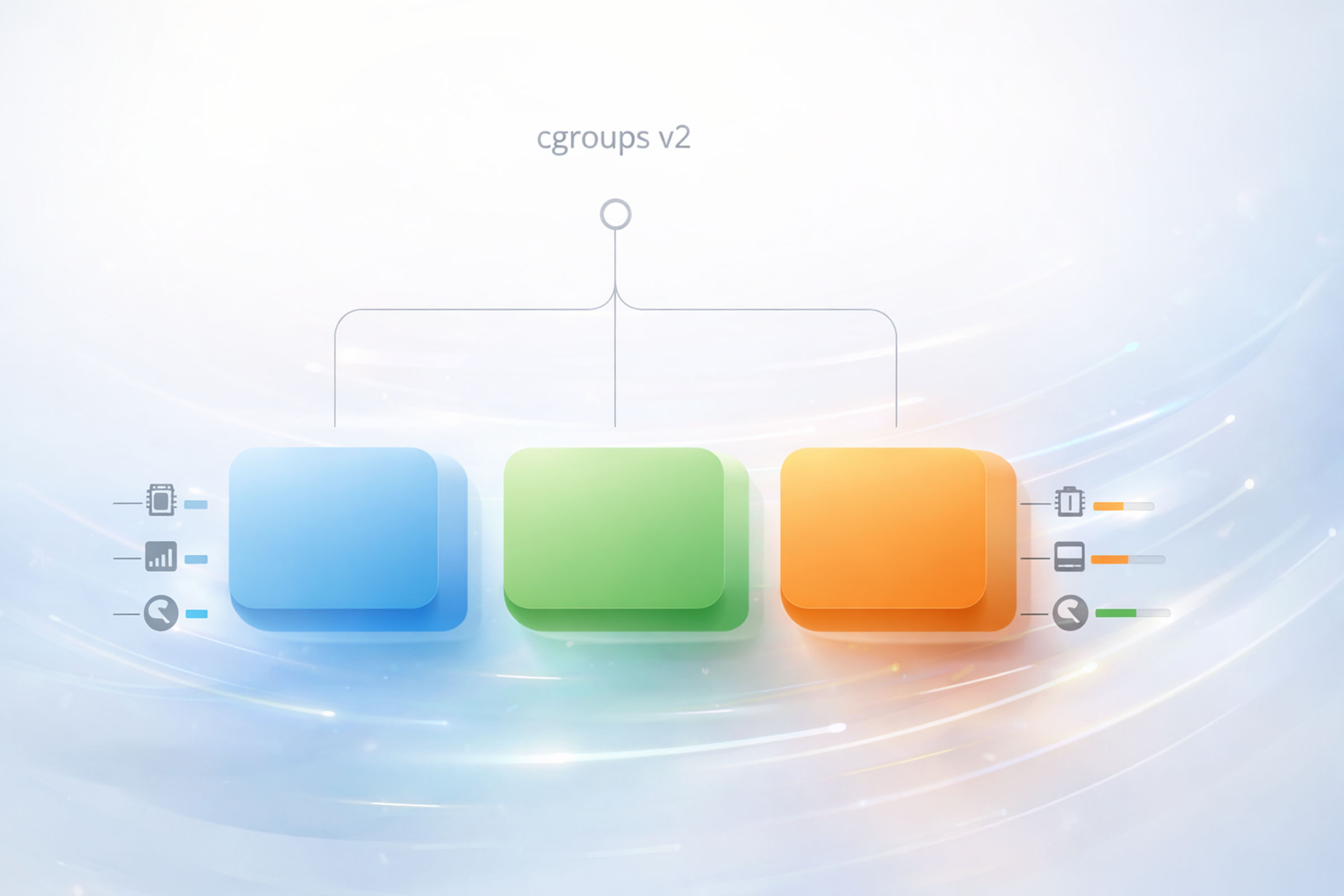
The fundamental change? A single unified hierarchy.
# cgroups v2 - single unified mount point
/sys/fs/cgroup/
├── cgroup.controllers
├── cgroup.subtree_control
├── system.slice/
│   └── docker-abc123.scope/
│       ├── cgroup.controllers
│       ├── cpu.max
│       ├── memory.max
│       └── io.max
└── user.slice/
All controllers share the same hierarchy. A process is in exactly one place in the tree, and all resource controls apply at that location.
Key Improvements in cgroups v2
1. Simplified Management
One tree, one location per process, one set of configuration files. Debugging becomes significantly easier when you only have one place to look.
2. Pressure Stall Information (PSI)
cgroups v2 introduced PSI metrics - the ability to measure how much time processes are stalled waiting for resources. This is invaluable for understanding when your containers are actually resource-constrained versus just slow:
cat /sys/fs/cgroup/system.slice/docker-abc123.scope/cpu.pressure
some avg10=0.00 avg60=0.00 avg300=0.00 total=12345
full avg10=0.00 avg60=0.00 avg300=0.00 total=0
3. Better Rootless Container Support
cgroups v2 has proper support for unprivileged (rootless) containers. Users can be granted control over a subtree of the cgroup hierarchy without requiring root privileges - essential for secure container deployments.
4. Consistent Controller Interface
All controllers now follow the same patterns and conventions, making automation and tooling much simpler to develop and maintain.
5. Improved Nested Container Support
The unified hierarchy model works naturally with nested containers. Resources can be properly delegated down the tree, making scenarios like Kubernetes-in-Docker (KinD) work reliably.
6. Memory QoS and Better OOM Handling
cgroups v2 provides better controls around memory quality of service and more predictable OOM (Out of Memory) killer behaviour - critical for Kubernetes workloads.
Kubernetes and the cgroups v2 Transition
Kubernetes has moved to cgroups v2, and this transition has reached a critical point. At the time of writing, we're on Kubernetes v1.35 and cgroups v1 support is firmly in maintenance mode.
The Timeline
- Kubernetes v1.25 (2022): cgroups v2 support reached GA (General Availability)
- Kubernetes v1.31 (2024): cgroups v1 support officially deprecated3
- Future versions: cgroups v1 support will eventually be removed
Features Requiring cgroups v2
Several important Kubernetes features only work with cgroups v2:
| Feature | Description |
|---|---|
| MemoryQoS | Better memory quality of service and protection |
| Swap Support | Using swap memory with containers |
| PSI Metrics | Pressure Stall Information for resource monitoring |
| Improved OOM Handling | More predictable out-of-memory behaviour |
If you run kubeadm init on a system with cgroups v2 and swap enabled, you'll notice Kubernetes can now actually work with swap - something that was impossible with cgroups v1:
[preflight] Running pre-flight checks
        [WARNING Swap]: swap is supported for cgroup v2 only. The kubelet must be properly configured to use swap.
Managed Kubernetes Services
The major cloud providers have already made the transition:
- GKE: Uses cgroups v2 by default on newer node images
- EKS: AL2023 and newer AMIs use cgroups v2
- AKS: Ubuntu 22.04+ nodes use cgroups v2
If you're running managed Kubernetes, you're likely already on cgroups v2 without realising it.
WSL and cgroups v2: A Note for Windows Users
If you're a Windows user running Kubernetes locally via WSL2 (Windows Subsystem for Linux), this section is especially important for you.
WSL2 runs a real Linux kernel, which means it needs cgroups to support container runtimes. Earlier versions of the WSL2 kernel shipped with cgroups v1, but Microsoft updated WSL to use cgroups v2 by default starting from WSL version 2.5.14.
Checking Your WSL Version
Open Command Prompt or PowerShell and run:
wsl --version
You'll see output similar to:
WSL version: 2.5.1.0
Kernel version: 5.15.167.4-1
WSLg version: 1.0.65
...
If your WSL version is below 2.5.1, you're likely running cgroups v1 and need to update.
Updating WSL for cgroups v2
If you're on an older WSL version, the solution is simple. Open Command Prompt or PowerShell and run:
wsl --update
This will update WSL to the latest version, which includes cgroups v2 support. After the update completes, restart WSL:
wsl --shutdown
Then start your distribution again. You should now have cgroups v2.
Important: If you're running Docker Desktop on Windows, make sure you update Docker Desktop to the latest version to ensure full cgroups v2 compatibility.
How to Check Your cgroups Version (Any Linux System)
Whether you're on a VM, bare metal server, cloud instance, or WSL, here's how to verify your cgroups version:
Method 1: Check the Filesystem
# cgroups v2 has a unified hierarchy at /sys/fs/cgroup
stat -f -c %T /sys/fs/cgroup/
cgroup2fs    # v2
tmpfs        # v1 (multiple hierarchies mounted)
Method 2: Check for cgroup.controllers
# This file only exists in cgroups v2
cat /sys/fs/cgroup/cgroup.controllers
If the file exists, you're on v2. If it doesn't, you're on v1.
Method 3: Use mount
mount | grep cgroup
cgroups v2 output (single unified mount):
cgroup2 on /sys/fs/cgroup type cgroup2 (rw,nosuid,nodev,noexec,relatime)
cgroups v1 output (multiple mounts):
cgroup on /sys/fs/cgroup/systemd type cgroup (rw,nosuid,nodev,noexec,relatime,name=systemd)
cgroup on /sys/fs/cgroup/cpu,cpuacct type cgroup (rw,nosuid,nodev,noexec,relatime,cpu,cpuacct)
cgroup on /sys/fs/cgroup/memory type cgroup (rw,nosuid,nodev,noexec,relatime,memory)
...
Container Runtime Support
All major container runtimes now fully support cgroups v2:
| Runtime | cgroups v2 Support |
|---|---|
| containerd | 1.4+ (recommended: 1.5+) |
| Docker | 20.10+ |
| CRI-O | 1.20+ |
| Podman | 3.0+ |
If you're running recent versions of these tools (which you should be!), cgroups v2 support is already there.
Conclusion: The Future is Unified
cgroups v2 represents a significant improvement in how Linux manages container resources. The unified hierarchy simplifies debugging, enables new features like PSI metrics and proper swap support, and provides a foundation for the next generation of container workloads.
The key takeaways:
- Kubernetes is deprecating cgroups v1 - If you're running Kubernetes, ensure your nodes support cgroups v2
- Modern distros default to v2 - Ubuntu 22.04+, RHEL 9+, Fedora 31+, and many others now ship with cgroups v2
- WSL users: run
wsl --update- Ensure you have the latest WSL kernel with cgroups v2 support - Container runtimes are ready - Docker, containerd, and CRI-O all fully support cgroups v2
Understanding cgroups gives you deeper insight into how containers actually work. The next time a pod gets OOMKilled or throttled, you'll know exactly what's enforcing those limits - and where to look when troubleshooting.
Happy Containering! 🚀 - James Spurin

